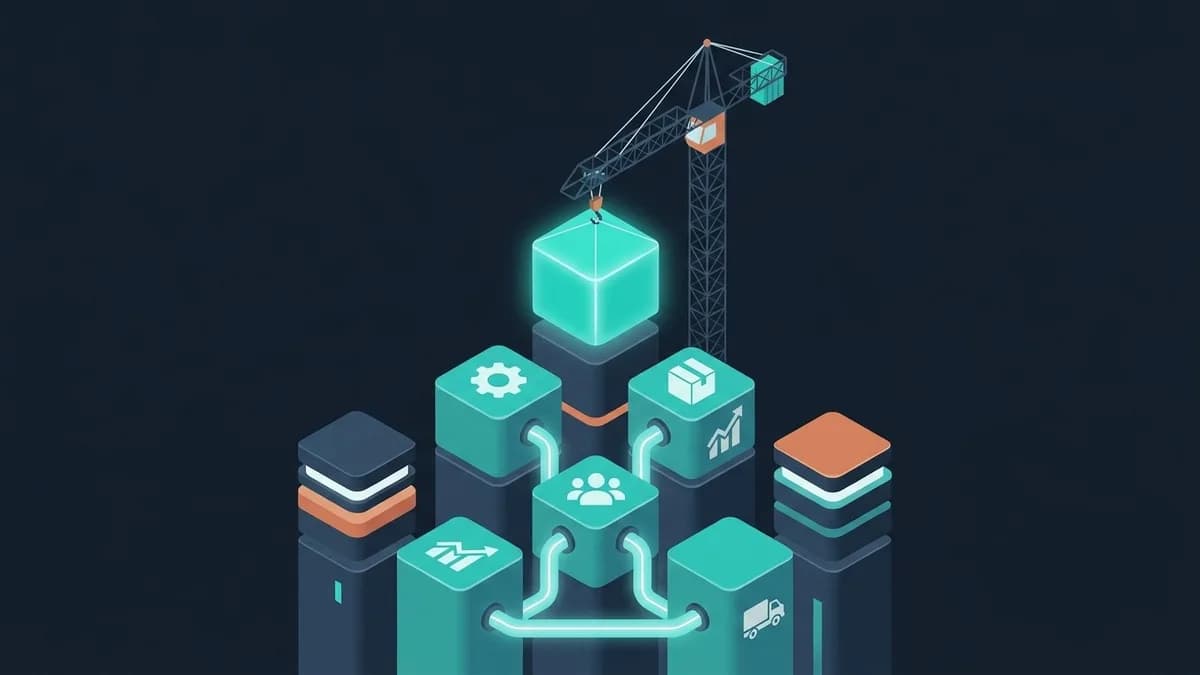
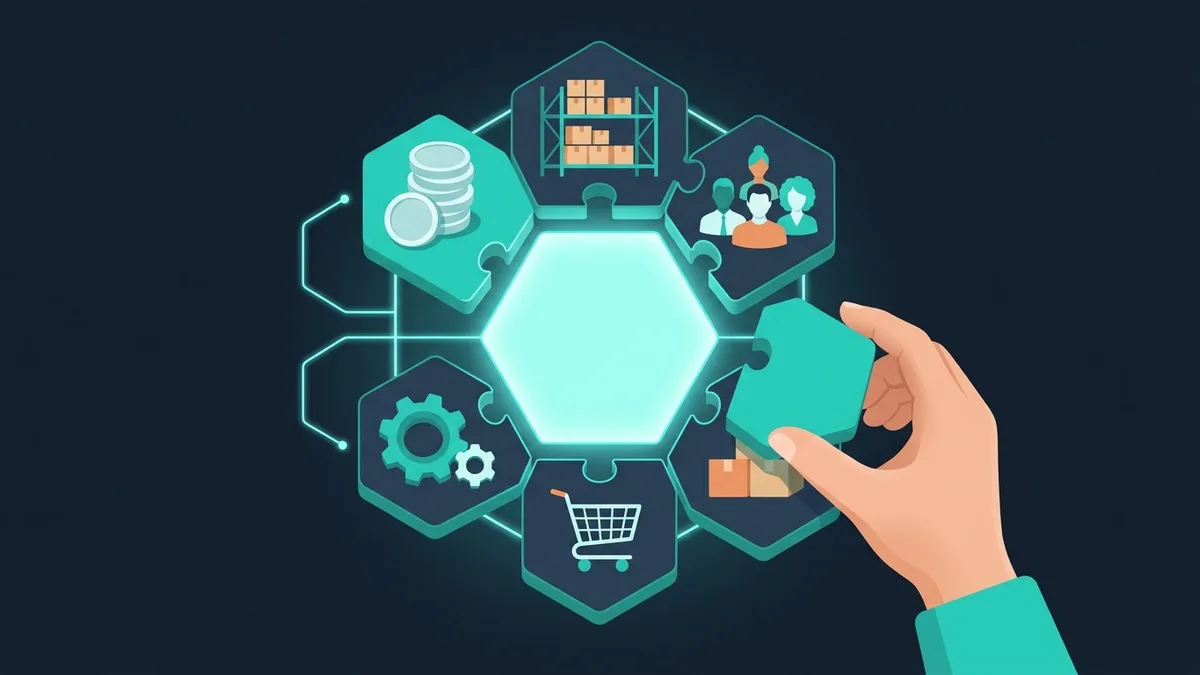

An ERP is not “one more accounting program.” It's the central nervous system of a business, tying finance, inventory, production, purchasing, sales and HR into a single information loop. Choosing the wrong ERP is one of the most expensive IT mistakes there is: a failed rollout at a mid-sized company typically burns a six-figure budget, not counting the lost time (6–18 months) and the team's nerves.
The problem is that the ERP market is opaque. Vendors promise to “cover every need,” integrators inflate budgets, and internal teams often don't know exactly what they want. As a result, 40–60% of ERP projects go over budget, and 20–30% never make it to production at all.
This guide is for CEOs and CTOs facing an ERP decision. No marketing fluff: concrete criteria, numbers and a checklist for making the call.
Why ERP, and when you actually need it
Not everyone needs an ERP. If you have bookkeeping in QuickBooks, inventory in Excel and 15 employees, a CRM plus your accounting software plus Google Sheets will do. An ERP pays off when business processes get complex enough that disconnected systems start slowing down growth.
Signs it's time for an ERP
Data lives in 5+ systems and nobody sees the full picture. Finance in the accounting system, inventory in Excel, sales in the CRM, HR in Google Docs, production in a homegrown program from 2015. The CEO spends a week pulling a report together and gets numbers that disagree by 15–20%.
Moving data between systems by hand eats hours. A manager enters an order in the CRM → creates an invoice in the accounting system by hand → updates stock levels in Excel by hand → notifies the warehouse by hand. Every step adds a chance of error and a 2–4 hour delay.
Simple questions take forever to answer. “What's our margin on product X this quarter?”, “How much raw material do we need to buy next month?”, “Which salesperson brings in the most profit, not just the most revenue?” If each of these takes an analyst a full day, it's time.
The business is scaling: new locations, product lines, markets. With 1–2 locations you can run things by hand. At 5+, the management system either falls apart or forces you to hire extra people just to “control the controllers.”
The 50-50 rule. If your managers spend more than 50% of their working time on coordination and control (instead of strategy and growth), an ERP will pay for itself in 12–18 months. If it's under 30%, targeted integrations between your current systems will probably be enough.
12 criteria for choosing an ERP system
Not all criteria are equal. The first 5 are critical: without them, the ERP won't take off. The rest matter, but you can catch up on them later.
Critical criteria
Important criteria
Comparing ERP options for small and mid-sized businesses
Let's look at four main paths: NetSuite, SAP Business One, Odoo and custom development. Each one is good in its own segment; there's no universal “best” option.
NetSuite
Who it's for: mid-sized and fast-growing companies in distribution, wholesale, e-commerce and services, especially those with several legal entities or currencies.
Pros: cloud-native (no servers to run), strong accounting and finance including multi-entity and multi-currency consolidation, a large ecosystem of implementation partners and add-ons (SuiteApps), CRM and e-commerce modules in the same system.
Cons: the price grows with every user and module, and renewals often come with increases; customization requires SuiteScript developers, so any non-standard change gets expensive; a dense interface with a real learning curve for everyday users; deeper manufacturing needs extra modules; strong vendor lock-in.
Cost (50 users, 5-year TCO): annual subscription + implementation + partner support. One of the most expensive options on this list, and the subscription is the biggest line. Ask for a 5-year quote with renewal terms in writing.
SAP Business One
Who it's for: international companies, larger mid-sized businesses (50–500 employees), businesses with strict compliance requirements.
Pros: a reference architecture (world-class best practices), multiple languages and currencies, powerful analytics (SAP HANA), brand prestige (a plus for investors and international partners).
Cons: the price (one of the most expensive options), fewer qualified partners than the mass-market systems and uneven partner quality from country to country, a long implementation cycle (9–18 months), dependence on a single vendor.
Cost (50 users, 5-year TCO): licenses + implementation + support, where implementation usually costs more than the licenses themselves. Together with NetSuite, the top of the range.
Odoo
Who it's for: small and mid-sized businesses, startups, companies on a limited budget, international businesses.
Pros: an open-source core (Community Edition is free), a modern web interface (one of the best UXs among ERPs), modular architecture (you pay only for what you need), a low barrier to entry, an active international community, a Python stack (developers are easier to find).
Cons: localization varies by country (e-invoicing and labeling rules may need extra modules), experienced partners for complex projects are harder to find, the Community and Enterprise editions differ a lot (the best modules are paid), integration with your existing accounting system needs additional modules, limited manufacturing functionality.
Cost (50 users, 5-year TCO): licenses + implementation + support. The cheapest of the boxed options, with implementation as the biggest line.
Custom ERP
Who it's for: businesses with processes that don't fit any boxed system; companies for which the ERP is a competitive advantage, not just “accounting software.”
Pros: a perfect fit for your business processes (the system is built around you, instead of you adapting to it), modern UX/UI without the legacy of the 2010s, none of the limits of boxed solutions, no per-user fees, full control over the data and the code, fast iteration (new features without waiting for a vendor release).
Cons: a long initial build (6–12 months to the first working version), dependence on the development team, no ready-made ecosystem (integrations are built from scratch), statutory and tax reporting has to be built in-house or left to an accounting system you integrate with.
Cost (50 users, 5-year TCO): development $70–250K + support and ongoing development of roughly $13,000–33,000 a year. The cost doesn't depend on the number of users.
More on pricing in “How much does custom ERP development cost”.
Choosing an ERP is a strategic decision, not a technical one. The best system is the one your people will actually use. Brilliant functionality is worthless if managers keep a parallel set of books in Excel.
Step-by-step ERP selection process
A systematic selection takes 4–8 weeks, but it saves you a fortune on a failed rollout.
Step 1: Audit your current processes (1–2 weeks)
Before you choose a system, understand what you're automating. We've described the IT audit process in detail in a separate guide.
Map your business processes: from customer request to payment received, from ordering raw materials to shipping finished products. For each process, record the participants, the steps, the systems used and the pain points. Pay special attention to manual operations: they'll become the main targets for automation.
Step 2: Define your requirements (1–2 weeks)
Based on the audit, list your requirements. Split them into three categories: Must Have (the ERP is useless without it), Should Have (important, but can be added later), Nice to Have (the wish list). The typical mistake is turning every requirement into a Must Have. Be honest: out of 100 requirements, usually 20–30 are critical.
Start with a well-written requirements specification: it's the foundation of the choice.
Step 3: Longlist → shortlist (1 week)
Build a longlist of 5–8 systems. Filter it by the critical criteria (process coverage, budget, available partners) down to a shortlist of 2–3. Don't waste time on demos of all 8 systems: filter early.
Step 4: Pilot project (2–4 weeks)
For the 2–3 finalists, run a pilot in one department or on one business process. It costs roughly $2,000–7,000 per option, but it pays for itself a hundred times over. The pilot shows the real speed, how usable the system is for end users, how hard it is to configure, and how competent the integrator is (often the biggest revelation).
Step 5: Decision and contract
Choose the system based on the pilots. The contract must specify the implementation stages and deadlines, a budget breakdown (licenses, implementation, training, support), implementation KPIs (when the project counts as done), exit terms (in case things go wrong) and the support SLA.
Never sign an ERP implementation contract without a pilot. A demo shows the best-case scenario. A pilot shows the real one. 30% of “perfect” ERP solutions fall apart at the pilot stage.
Common mistakes when choosing an ERP
Mistake 1: Choosing by brand instead of by process
“Let's go with SAP, because SAP is serious.” Serious is a system that solves your problems. For a distribution company with 30 employees, SAP is a sledgehammer to crack a nut: 70% of the functionality goes unused, and 30% of what you do need requires expensive customization.
Mistake 2: Skimping on implementation
Buy licenses worth tens of thousands of dollars, then hand the rollout to a junior on an intern's salary. The result: 18 months of pain, a system working at 30% capacity and a team that hates the ERP. The rule: implementation budget = 2–3x the license cost. If that doesn't fit your budget, pick a cheaper system and implement it properly.
Mistake 3: Trying to automate chaos
If your business processes aren't documented and standardized, the ERP will automate the chaos and lock it in even more firmly. Optimize the processes first (at least the key ones), then roll out the system. It's a basic principle of any approach to business automation.
Mistake 4: Rolling out everything at once
“We'll automate all 12 modules in 6 months.” It doesn't work. Roll out in phases: the core (finance + inventory) → sales → purchasing → production → HR. Each phase gets 1–2 months of stabilization before the next one starts. Trying to do everything at once blows the schedule and the budget in 100% of cases.
Mistake 5: Ignoring change management
An ERP changes the habits of hundreds of people. Without a change management program (training, communication, support for internal champions, handling resistance), even a perfect system won't stick. Set aside 10–15% of the budget for change management.
Cloud vs on-premise: which to choose
In 2026, cloud ERP is the trend, but not a given. The right choice depends on your business.
Cloud ERP (SaaS)
Pros: a fast start (weeks instead of months), a low upfront budget (a subscription instead of a license purchase), automatic updates, access from anywhere, no in-house IT team needed to run the infrastructure.
Cons: your data sits on someone else's servers (critical for government contractors and fintech), the subscription grows with the number of users, dependence on the internet connection, limited customization.
On-premise (on your own servers)
Pros: full control over data and infrastructure, no dependence on the internet, a one-time license purchase (no subscription fees), maximum flexibility for customization.
Cons: a high upfront budget, you need an IT team to support it, updates take resources, scaling costs more.
Our recommendation: for businesses with up to 100 users and no strict security requirements, go with the cloud. For manufacturing, fintech, healthcare, the public sector and companies with 200+ users, go on-premise or hybrid. A hybrid setup keeps the core on-premise and puts analytics and mobile access in the cloud.
ERP implementation timeline and phases
Realistic timelines (not the marketing promise of “turnkey in 3 months”):
Phase 1: Preparation (1–2 months). Process audit, requirements, system selection, pilot. This time is an investment, not a cost: good preparation cuts implementation time by 30–40%.
Phase 2: Core rollout (3–6 months). Finance, inventory, basic sales. A minimum working version the business can run on. 1–2 months of running in parallel with the old system.
Phase 3: Expansion (3–12 months). Adding modules: production, HR, logistics, advanced analytics. One module at a time, with a pause for stabilization.
Phase 4: Optimization (ongoing). Fine-tuning, automating routine operations, building BI dashboards, onboarding new employees. This phase lasts as long as the ERP is in use.
When a custom ERP beats a boxed one
Custom development isn't for everyone. But in certain scenarios it's objectively the better choice.
A non-standard production process. If your production isn't the typical “raw materials → product → warehouse → shipment” cycle but something specific, with 20+ stages, parallel branches and unusual logic, a boxed ERP will need so much rework that it's easier to build from scratch.
ERP as a product. If you plan to sell your ERP as a SaaS product for your industry, custom development is the only option. More in our article on how to build a SaaS product.
Critical UX requirements. If your users aren't accountants (who are used to complex interfaces) but warehouse workers, couriers and shop-floor supervisors, they need a simple, intuitive interface. Boxed ERPs aren't known for their UX.
Integration with IoT and equipment. Machine tools, sensors, scales, conveyors: if the ERP needs data straight from your equipment, a custom system makes that simpler and cheaper.
Our approach to choosing and implementing an ERP
At March Code we help businesses with ERP in two ways: consulting on the choice of a boxed system (we help you choose and oversee the rollout) and custom ERP development.
Our stack: Next.js + PostgreSQL + Prisma for the web, Flutter for mobile clients, integration with your accounting system via API. Modular architecture: we start with the core and add functionality in 2-week sprints.
FAQ
How much does ERP implementation cost for a company with 50 employees?
Over 5 years, SAP Business One and NetSuite sit at the top of the range, Odoo is the cheapest boxed option, and a custom build usually lands closer to Odoo than to the top tier. The exact figure depends on the number of modules, the complexity of the integrations and how much customization you need. As a reference point for a custom ERP: the first-year core starts from $34,000, and a full system with integrations costs $70–250K.
Can you combine your accounting system with a different ERP?
Yes, and it's a common setup. Your accounting software (QuickBooks, Xero) stays in charge of bookkeeping and tax reporting, while operations (inventory, production, sales) run in another system. Integrating the two costs from $4,900, and you get the best of both worlds.
How long does employee training take?
Basic training for frontline employees: 2–5 days. Training for key users (power users): 1–2 weeks. Training for the system administrator: 2–4 weeks. Full adoption across the team (when people stop calling support about every little thing): 2–3 months. Give training its own line in the project plan: it's not optional, it's a necessity.
What if the rollout doesn't go to plan?
Stop and run a retrospective. 90% of implementation problems are organizational, not technical: vague requirements, shifting priorities, employee sabotage, weak project management. Record what works and what doesn't, and adjust the plan. If the problem is the vendor, it's better to switch early than after 12 months.
Should you hire an outside consultant to choose an ERP?
If you don't have the expertise in-house, absolutely. Independent ERP consulting costs around $7,000–15,000 (audit + recommendation + support through the selection). That's 3–5% of the implementation budget, and it saves 20–40% by preventing the typical mistakes. Just make sure the consultant is independent of any particular vendor.
Can you implement an ERP without stopping the business?
Yes, with a phased approach. Roll out one module at a time while still working in the old system. Switch over module by module, with 2–4 weeks of parallel running. No full stop is needed. But productivity drops by 10–20% during each switchover, so plan for it.
How do you know the ERP rollout succeeded?
Three metrics: 1) 80%+ of employees use the system as their main work tool (instead of duplicating everything in Excel), 2) leadership gets key reports in 5 minutes (not in a day), 3) manual operations between systems have dropped by 70%+. If all three are met 6 months after launch, the rollout succeeded.