
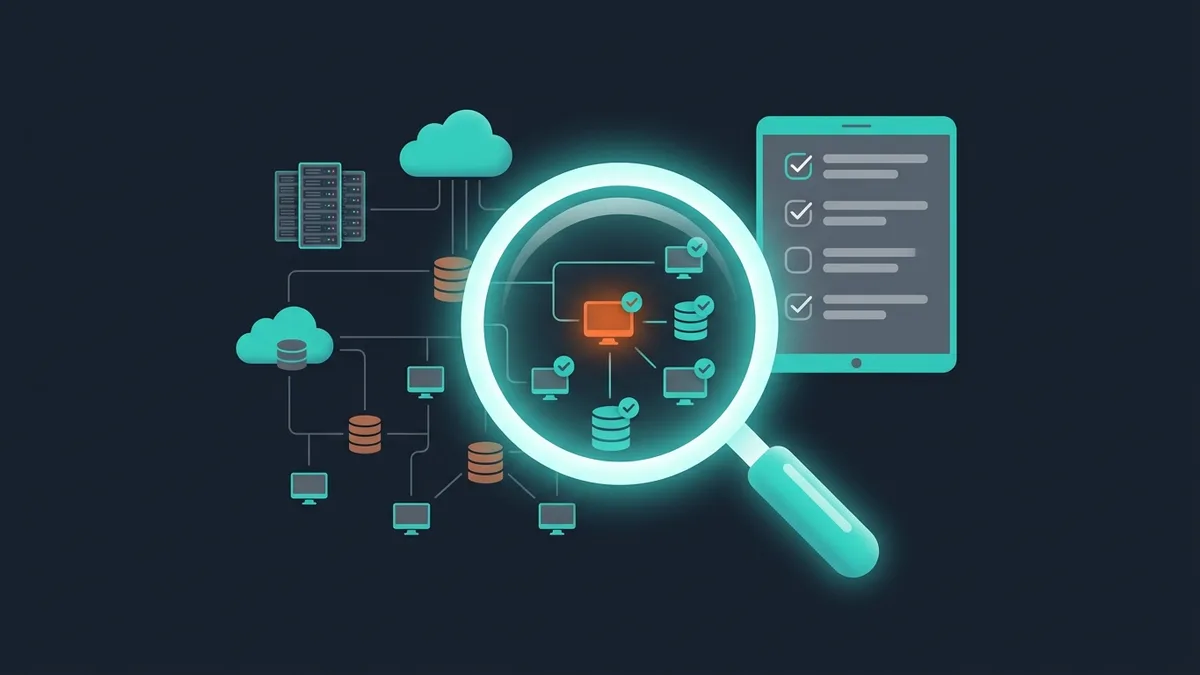

An IT audit is not “checking the computers.” It's an X-ray of your business through the lens of technology: where money leaks into broken processes, where data is at risk, where the infrastructure won't survive growth. If you've never run an IT audit, there's a 90% chance you're losing 10–20% of your IT budget on workarounds nobody notices.
This guide is a practical 15-point checklist. Use it for a self-audit or as a brief for an external auditor. It fits companies with 20+ employees and IT infrastructure of any complexity.
external IT audit
Why you need an IT audit
Nobody runs an IT audit just to tick a box. You run one when you have a decision to make:
Before automation. Before you roll out an ERP, a CRM or any other system, understand what you have now. Otherwise you automate chaos. This is the foundation of any business automation project.
During fast growth. Infrastructure that worked for 20 people breaks at 100. An audit shows what to scale ahead of time, not in a panic.
After an incident. A data leak, a server crash, a lost database. An audit finds the cause and prevents a repeat.
When IT leadership changes. A new CTO needs to know what they've inherited: where the landmines are, where the technical debt sits, where the quick wins are.
Before fundraising or M&A. Investors and buyers check IT: security, scalability, dependence on specific people. Audit early and you'll face fewer unpleasant surprises during due diligence.
IT audit checklist: 15 points
Block 1: Infrastructure (points 1–4)
The 3-2-1 rule: three copies of your data, on two different media, one copy off-site (the cloud or another data center). If that's not your setup, it's the first thing to fix after the audit. Lose your data and you lose your business.
Block 2: Security (points 5–8)
Block 3: Software (points 9–11)
Block 4: Processes and people (points 12–15)
How to run the audit: in-house or with an outside firm
Self-audit
When it works: a company of up to 50 people, simple infrastructure, an IT director or an experienced sysadmin on staff.
How to do it: use the checklist above. For each point, record the current state (green / yellow / red), what needs fixing, the priority and a rough budget. Time: 1–2 weeks of full-time work.
Limitations: an internal auditor has blind spots and stops seeing familiar problems. There's no benchmarking (nothing to compare against). You may lack expertise in narrow areas (security, architecture).
External audit
When you need it: a company of 50+ people, complex infrastructure, a major IT project ahead (ERP, digital transformation), or you need an objective assessment.
Cost: from $3,900 for an express audit (infrastructure + security, 1–2 weeks), around $7,000–15,000 for a full audit (all 15 points, 2–4 weeks), from $14,900 for an in-depth audit with recommendations and a roadmap.
What you get: a report with prioritized recommendations, a roadmap (what to do first), benchmarking (how you look against your industry), an objective assessment (no “that's just how it's always been”).
A good IT audit pays for itself 5–10 times over. Typical savings after auditing a 100-person company: $7,000–17,000 a year on unused subscriptions, $10,000–35,000 on prevented incidents, $17,000–65,000 on infrastructure optimization. A $10,000 audit returns $35,000–100,000 in savings.
What to do after the audit
Prioritization: the impact × effort matrix
Score every problem you found on two axes: business impact (1–5) and the difficulty and cost of fixing it (1–5). Start with the “high impact + low effort” quadrant (quick wins). The usual suspects: update passwords, set up backups, cancel unused subscriptions. Fast, cheap, and the effect is noticeable.
Roadmap
Months 1–2: Critical security. Passwords, 2FA, backups, security updates. Budget: $0–1,500 (mostly labor).
Months 2–4: Infrastructure. Migration to current software versions, network optimization, redundancy. Budget: $3,000–15,000.
Months 4–8: Processes and automation. System integration, document workflow automation, new tools. Budget: $10,000–65,000.
Months 8–12: Strategic projects. ERP, a new CRM, a corporate portal, moving to the cloud. Budget: $35,000–330,000.
Our approach to IT audits
At March Code we run IT audits as a standalone service and as part of the groundwork for automation projects. The format: 2–3 weeks of work, then a report with prioritized recommendations and a 12-month roadmap.
of the recommendations
FAQ
How often should you run an IT audit?
A full audit: every 1–2 years. An express security check: every 6 months. Unscheduled: when IT leadership changes, after an incident, before a major project, when the company grows several times over. In regulated industries (fintech, healthcare), an annual security audit is usually mandatory.
What if the audit uncovers critical problems?
Don't panic, prioritize. Critical security issues (no backups, open ports, former employees with access) get fixed within 1–2 days. Infrastructure issues get a 2–4 week plan. Process issues get a 1–3 month plan. The main thing is to start instead of waiting for “the perfect moment.”
How much does an IT audit cost for a 100-person company?
Express (infrastructure + security): from $3,900. Full (all 15 points): around $10,000–15,000. With a roadmap and support during implementation: from $14,900. The price depends on how complex the infrastructure is: 2 servers + a cloud account is simpler than 20 servers + 3 data centers + 5 branch offices.
Can an IT audit be done remotely?
Infrastructure and software: about 80% of it, yes (remote access, network scanning, configuration analysis). Security: partly (we need access to logs and configurations, but not necessarily a physical presence). Processes and people: these need interviews (Zoom works fine). Physical infrastructure (server room, network, cabling): needs a site visit. Where a visit is possible, we use a hybrid format: 70% remote, 30% on site.
What tools are used in an IT audit?
Network: Nmap (port scanning), Wireshark (traffic analysis). Security: Nessus / OpenVAS (vulnerability scanning), OWASP ZAP (web security). Infrastructure: Zabbix / Grafana (monitoring), Ansible (inventory). Software: Snow / Lansweeper (software and license inventory). Processes: interviews + questionnaires + documentation review.