
AI automation means automating processes that used to need a person to read text, understand what a document says or make a decision based on incomplete data. A regular script can copy a field from a form into the CRM. AI-powered automation can read a customer's email, understand that they're complaining about a delivery and open a ticket in the right category on its own. The difference isn't speed. It's that AI works with unstructured information (text, speech, images), where classic automation stumbles.
In this article we'll cover how AI business automation differs from the familiar kind, what's actually worth automating first, how to measure the effect in money and hours, how to start without a huge budget and which risks break projects during rollout. No promises that “AI will replace everyone”, only what works in practice in 2026.
How AI automation differs from regular automation
Classic automation (RPA, scripts, no-code workflows) runs on rigid rules: “if field X contains value Y, do Z”. It's fast and predictable, but it breaks as soon as data arrives in free form. A customer email, a scanned delivery note, a voice message, a free-text review: to rules, all of that is noise.
AI automation adds a layer that classic automation can't reach: understanding meaning. A language model reads an incoming request and determines its topic, tone and urgency on its own. A computer vision model extracts line items from a photo of a document without a template. A predictive model estimates how likely a customer is to churn based on their behavior, not on a rule like “hasn't logged in for 30 days”.
In practice, the best results come from combining the two, not replacing one with the other. AI makes the call where meaning matters, and classic automation carries out the deterministic steps: it creates a record in the CRM, sends a notification, posts a document to the accounting system. That's why AI automation almost always sits on top of existing integrations; it's rarely built from scratch in a vacuum.
A simple rule of thumb: if the task can be described as a 20-step if-then instruction, use classic automation. If a person has to read the text and think to solve it, it's a candidate for AI.
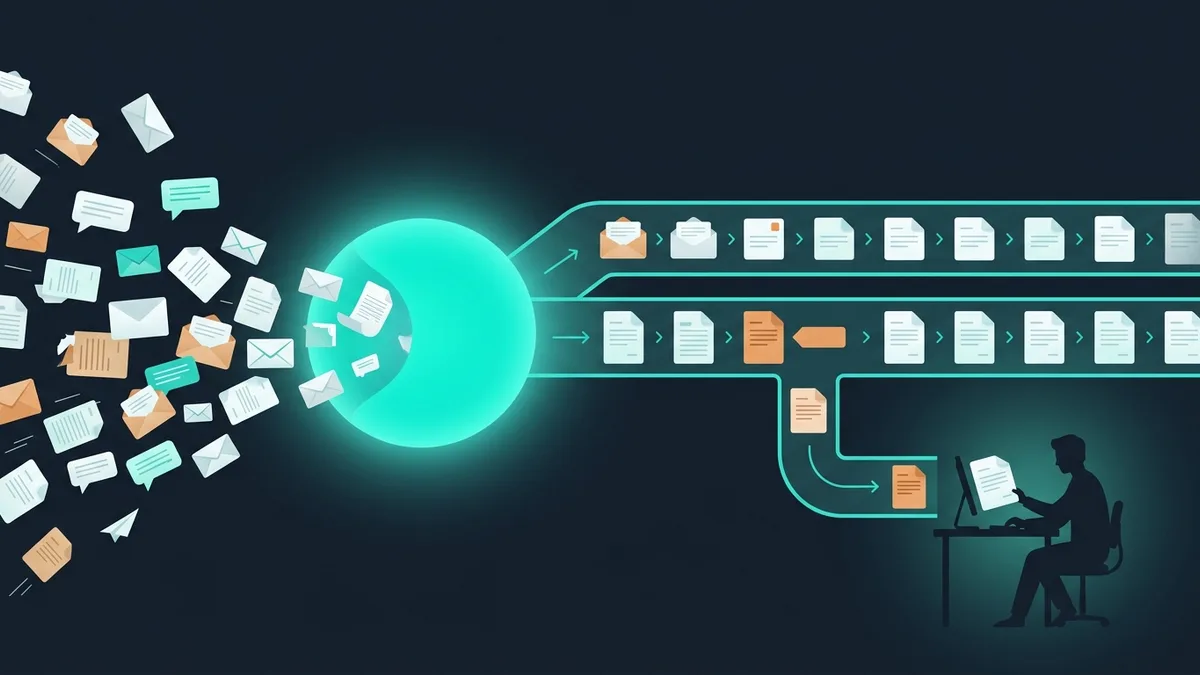
Another difference is how errors work. A classic script either runs or fails for a clear reason. AI works with probabilities: it's almost always right but sometimes wrong, and that isn't a bug; it's a property of the technology. So well-designed AI automation always has a confidence threshold: confident decisions go through automatically, and borderline ones go to a person. That fundamentally changes how you accept the work. You don't judge “works or doesn't”; you judge the share of cases the system handles on its own with acceptable accuracy.
What AI actually automates
Behind the “AI for everything” hype there's a short list of tasks that really deliver results with today's models. Here are the functions we implement most often.
Document processing
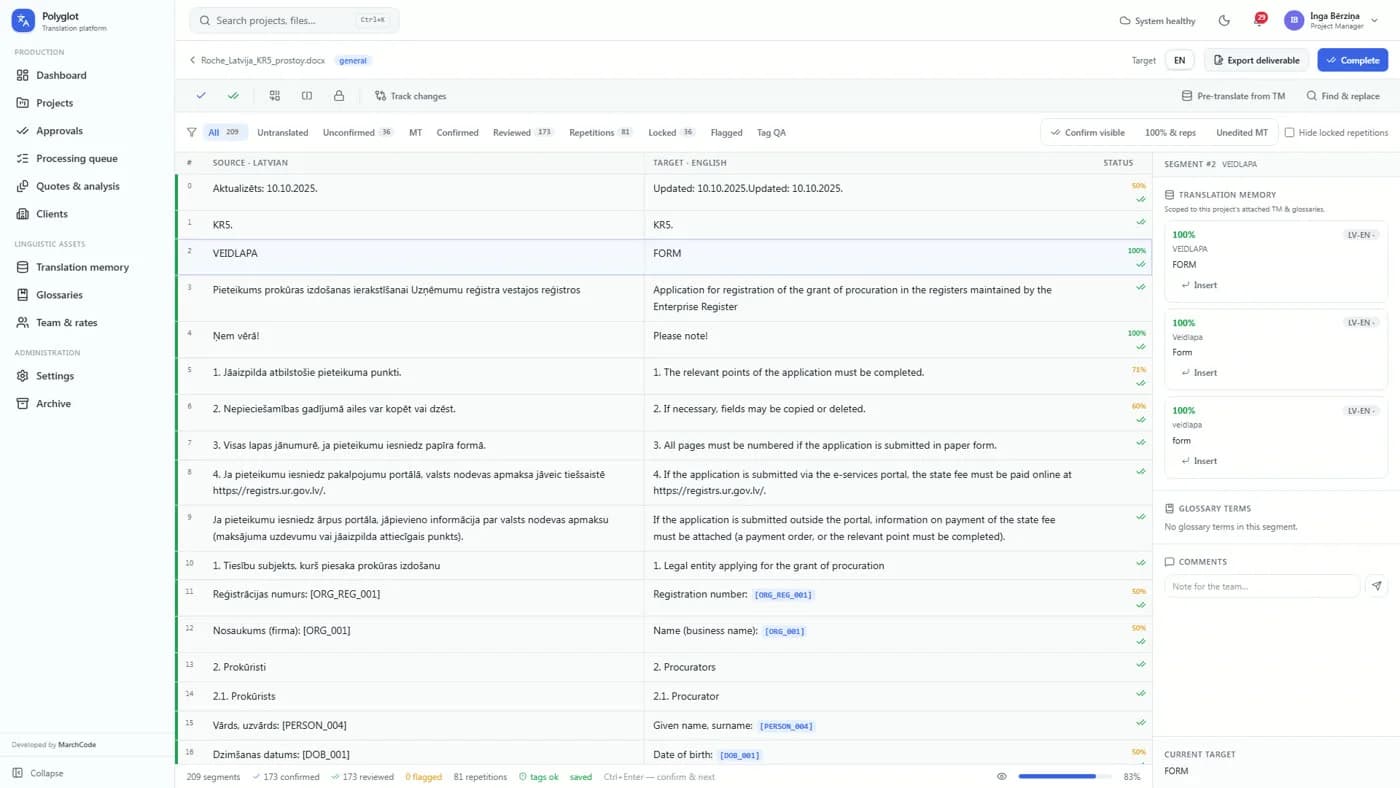
Extracting data from invoices, delivery notes, contracts, statements of work, IDs and forms. The model reads a scan or PDF, pulls out company details, amounts, dates and line items, checks them against a reference list and passes them to the accounting system. That takes manual data entry, one of the most expensive and error-prone routines, off the accounting team and operators. Unlike old OCR templates, AI isn't tied to a fixed document layout: it understands that “amount due”, “total” and “total incl. VAT” refer to the same field, even when they sit in different places on the form. More on connecting this to accounting systems in our overview of how AI gets built into business processes.
Customer support
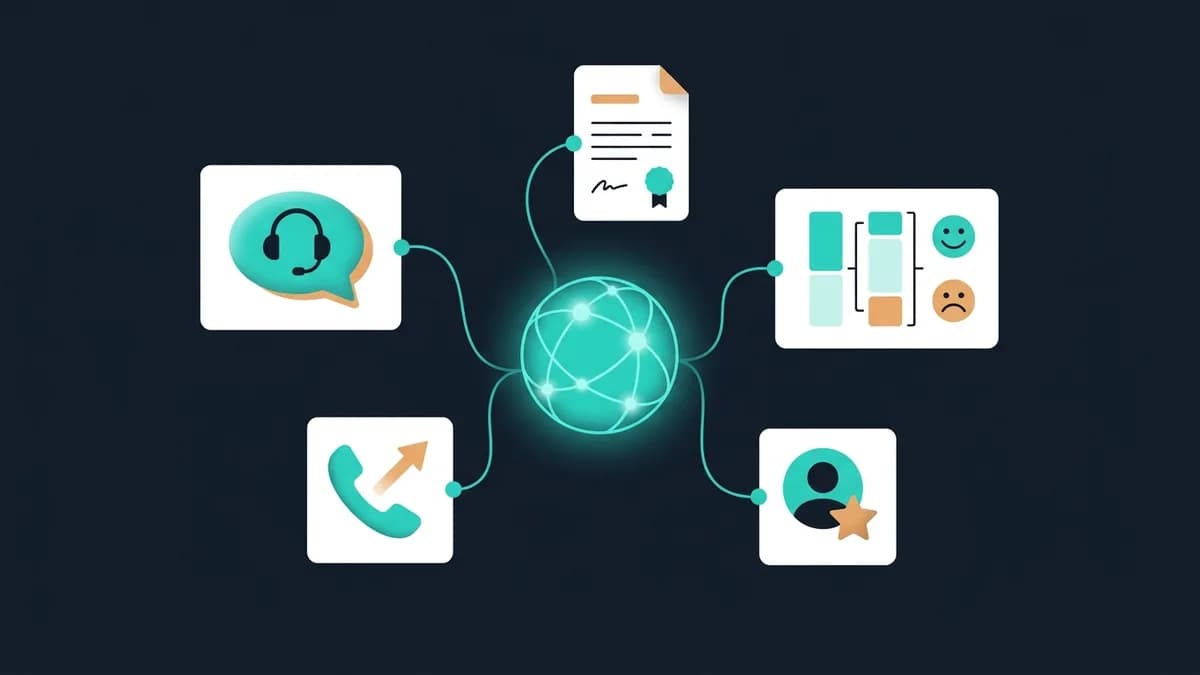
An AI assistant answers routine questions from the company's knowledge base, understands natural language and passes complex requests to an operator along with the context. It handles 60–80% of first-line support with no human involved, works around the clock and doesn't lose requests after hours. The topic is covered in more depth in our article on neural networks for business.
Classification and routing
Sorting the incoming flow: emails by department, requests by topic, leads by priority, résumés by fit for the role, reviews by sentiment. This used to be done by a person reading every message. Now a model labels the flow in seconds and sends it onward according to the rules.
Forecasting and analytics
Demand forecasting, inventory forecasting, lead scoring by purchase likelihood, churn prediction, spotting anomalies in payments. Here AI works with numerical data and history, helping you make decisions before a problem becomes obvious.
Content and draft generation
Drafting replies to routine emails, product descriptions for the catalog, drafts of sales proposals, summaries of long documents and meeting notes. A person doesn't write from scratch but edits a ready draft, which speeds up the work 3–5x. An important caveat: generation works as an assistant, not an autopilot. The final text that goes to a customer or into a contract passes through a person, which removes the risk of the model inventing a discount or a term that doesn't exist. How to build this into business processes is covered in GPT and business processes.
Notice what's missing from this list: “AI will replace the manager”, “AI will make strategic decisions”, “AI will build the whole business”. The technology's strength is routine work with a clear criterion for what's correct. The vaguer the task and the higher the cost of a mistake, the more a human stays in the loop. That isn't a limitation of any particular project; it's a realistic boundary of what the technology can do in 2026.
Examples by industry
The same mechanisms pay off differently depending on where it hurts most. Here are a few practical scenarios.
- E-commerce. AI writes descriptions for thousands of products, answers questions about stock and delivery in chat, tags reviews by sentiment and compiles them into a summary of problem products.
- Logistics and warehousing. Reading delivery notes and bills of lading from photos, forecasting warehouse load, automatically classifying requests from drivers and customers by order status.
- Finance and accounting. Extracting data from source documents, verifying counterparty details, spotting anomalous transactions, drafting replies to inquiries.
- Services and agencies. Qualifying incoming leads, drafting proposals, transcribing and summarizing calls, an assistant that answers employees' questions from the internal knowledge base.
- Manufacturing. Image-based quality control, predicting equipment failures from sensor data, classifying repair requests.
For tasks where decisions are made not by a person on request but by an autonomous process across a chain of steps, AI agents are the right fit: they call the tools they need and carry the task through to the result.
How to calculate ROI and impact
An AI project only gets past leadership with numbers. Calculating the impact is easier than it seems; it comes from three components.
Time saved. Take a process, count how many hours a month the team spends on it and estimate the share AI handles. In our implementations, routine work in document processing and support drops by 40–70%. Example: an operator spends 3 hours a day sorting requests and sending first replies. AI handles 60%, which is 1.8 hours a day, or about 40 hours a month per employee.
Fewer errors. Manual data entry produces 2–5% errors; automated extraction, a fraction of a percent. Every error in an invoice, a shipment or bank details costs money, from a mixed-up order to a fine. Multiply the number of operations by the cost of a single error, and you have the second part of the impact.
Revenue growth. An instant reply to a customer raises lead conversion, lead scoring focuses managers on hot contacts, and inventory forecasts reduce lost sales. This part is estimated conservatively, but it's often the one that outweighs the payroll savings.
The formula is simple: ROI = (savings for the period − implementation and operating costs) / costs × 100%. Typical payback for targeted AI automation is 4–8 months. If the numbers don't add up within 12 months, you picked the wrong process.
Don't forget operating costs: every call to a language model costs money, plus infrastructure and support. For a process with thousands of requests a day, API costs become a noticeable line item, so they go into the calculation from the start. The good news: for most tasks, mid-sized models do as well as the most expensive ones and cost several times less, so choosing a model is part of the project's economics, not just a technical decision.
Where to start: a pilot in 5 days
A big “let's automate everything at once” project is a common cause of failure. The right path is a narrow pilot on one process that quickly shows whether the approach works on your data.
Here's how we run a pilot. Days 1–2: we pick one process with the most routine work (usually document processing or first-line support), gather a sample of real data and lock in the success metric. Days 3–4: we build a prototype on real examples, run it on historical data and compare it with how a person handles the task. Day 5: we show the results on your cases, calculate the potential savings and decide whether to scale.
The key principle is to test on your data, not on a demo. A model that works great on someone else's examples can stumble on the specifics of your business, and you need to see that before investing heavily. An audit of scenarios helps you choose the starting process by showing which tasks will pay off first.
Risks and how to avoid them
AI isn't magic; it has specific weak spots. They're known in advance and handled at the design stage.
- Hallucinations. A language model can confidently state a wrong fact. The cure is grounding it in the company's knowledge base (RAG): the model answers only from your documents, not “from memory”. For critical decisions, keep a person reviewing the output.
- Data and confidentiality. Customer data can't be sent to external services without control. The solution: models hosted in your jurisdiction or on-premise, masking of sensitive fields and request logging.
- Input data quality. With AI, garbage in still means garbage out. Poor scans, contradictory reference data and an incomplete knowledge base wreck results more than the choice of model does.
- No metric. Without a clear definition of success, the project turns into an endless experiment. The metric is set before the start.
- Ignoring people. A system without a trained team doesn't get used. Budget time for instructions and getting employees up to speed; it's part of the project, not an option.
How to build AI into your existing systems
AI automation rarely lives as a standalone service; its value shows when it's connected to what the company already uses. A support AI assistant should see the customer record in the CRM and the order status in the accounting system. A document processor should put the extracted data into your ERP or accounting software, not into a separate spreadsheet. Lead scoring should update a field in the CRM so managers see the priority where they actually work.
Technically, that means AI connects through the same integration layer as the rest of your automation: your systems' APIs, task queues, webhooks. So when you evaluate a project, check whether your systems expose data through an API. If a key system is an old setup with no data exchange interfaces, part of the budget will go into teaching it to send and receive data, and you need to see that before the start, not halfway through the rollout.
The practical takeaway: start AI automation where integrations are already in place or being built in parallel. Adding an AI layer to a process where data already flows between systems is easier and cheaper than building everything from scratch for a single scenario.
The bottom line
AI automation isn't about replacing your business with robots. It takes the most expensive routine off your team: reading documents, answering routine questions, sorting by hand and moving data around. Start not with a grand strategy but with one process where the pain is obvious and the effect can be measured in hours and dollars. A narrow pilot in a week will show whether the approach works on your data and give you the numbers to decide on scaling.
If you want to know which process in your company should be automated first and how much it will save, let's go over it on a short call, and we'll propose a no-commitment pilot. More about the service on the AI integration page.