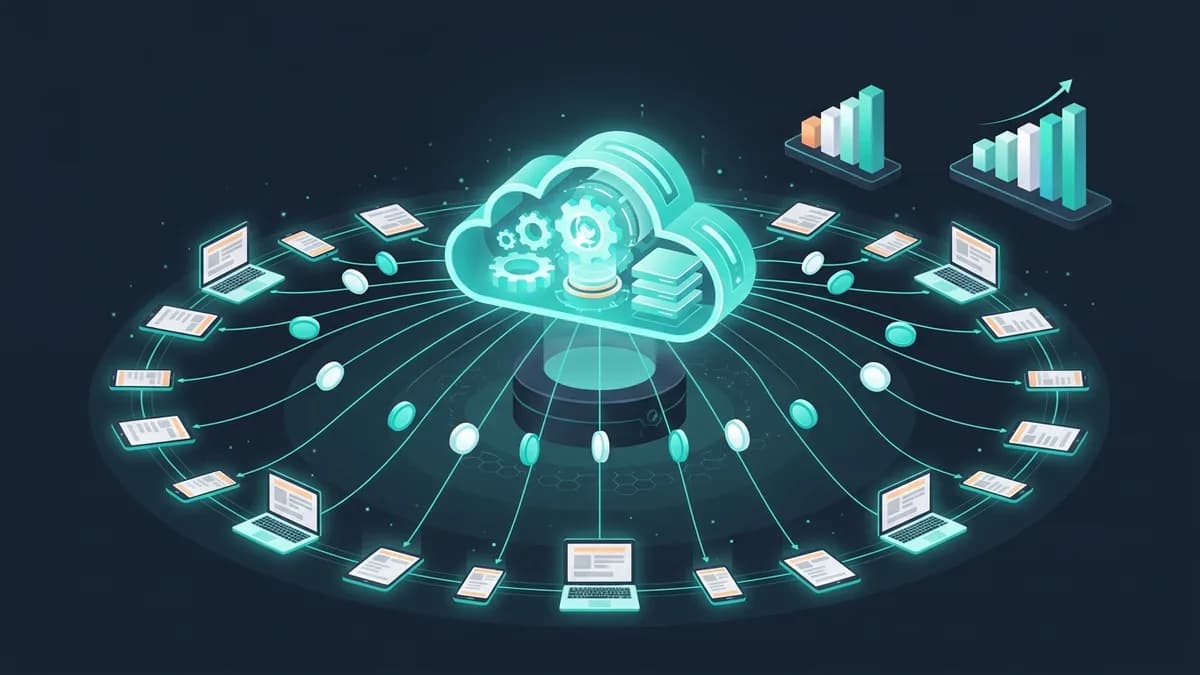
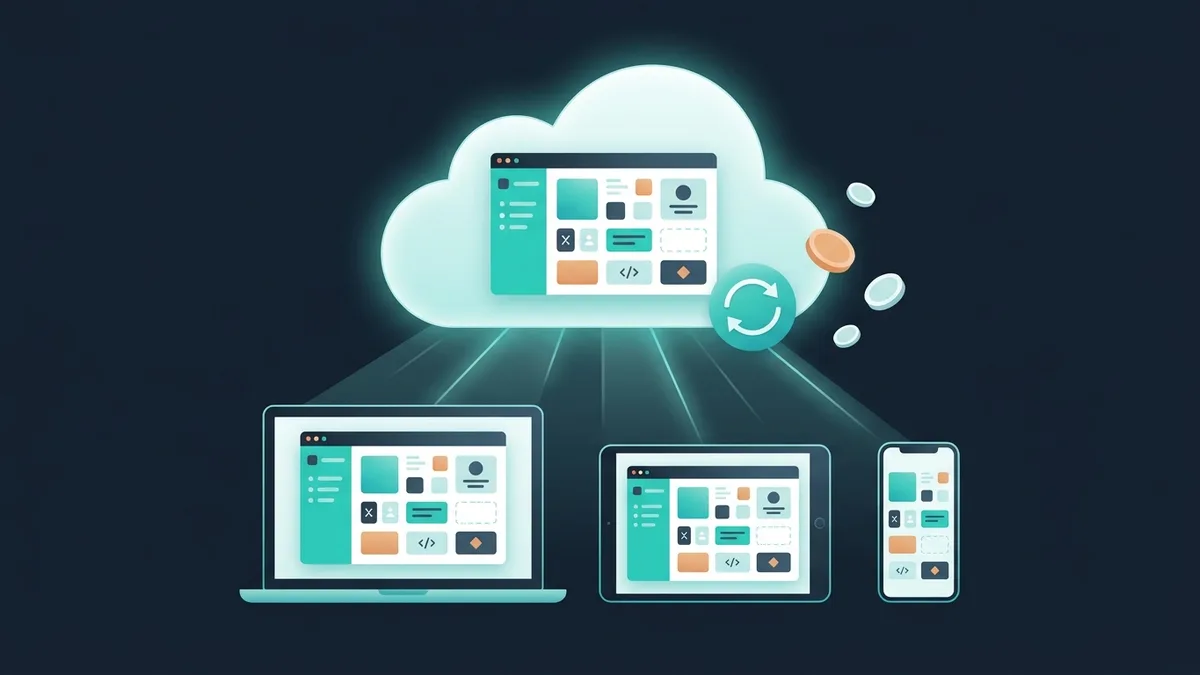

SaaS (Software as a Service) is a way of selling software as a subscription over the internet. Instead of paying a large upfront license fee, the customer pays monthly and uses the service in a browser. In essence it's outsourced infrastructure: servers, installation and updates are the vendor's job, not your IT department's.
The global SaaS market reached $272 billion in 2025 (Gartner), and there's still plenty of room for niche products. This article covers how the model works, its pros and pitfalls, and what it costs to build your own SaaS.
SaaS in plain English: how it works
Imagine that instead of buying a car, you subscribe to car sharing. The car isn't yours, but you can drive it. You don't have to think about repairs, insurance or parking. You pay for what you use.
SaaS is the same thing, but for software:
SaaS examples you already use
— Gmail / Outlook.com: email as a service (a free plan is SaaS too)
— HubSpot, Pipedrive: CRM as a service
— Google Docs / Microsoft 365: an office suite as a service
— Miro, Figma: design tools as a service
— QuickBooks Online, Xero: accounting as a service
— Zoom, Google Meet: video conferencing as a service
The key distinction. SaaS isn't just “software on the internet.” It's a business model: subscription + cloud + updates + scaling. A website isn't SaaS. A mobile app you buy once isn't SaaS. A cloud service with a monthly subscription is SaaS.
7 advantages of SaaS for a business
1. A low barrier to entry
A CRM from around $15 per user a month instead of a big upfront payment for an “enterprise edition.” The business starts using the product on day one, without waiting for an implementation project and server setup.
2. Predictable costs
A monthly subscription is OPEX, not CAPEX. Budgeting is easier: a fixed amount every month instead of “a big sum now plus who knows how much later.”
3. A fast start
Sign up → configure → work. Typical time: from minutes (simple services) to 1–2 weeks (complex ones with integrations). Compare that with months of implementation for traditional software.
4. Automatic updates
The vendor keeps improving the product. You get new features, security fixes and performance improvements with no extra cost and no downtime.
5. Scalability
A 5-person startup and a 5,000-person corporation use the same product. The difference is the plan. Business growth doesn't force you to replace the system.
6. Access from anywhere
Browser, mobile app: access from the office, from home, on a business trip. Remote work with SaaS feels the same as working in the office.
7. Security (often)
Large SaaS vendors invest more in security than a small business can afford: encryption, backups, monitoring, certification (ISO 27001). Your data is often safer there than on a local server running Windows XP.
5 SaaS pitfalls
1. Vendor lock-in
You've used a CRM for 3 years. It holds 50,000 contacts, your whole correspondence history, pipelines and automations. Switch to another service? Technically possible. In practice, painful: data export is limited, formats are incompatible, people are used to the old tool. Before choosing a SaaS, check whether you can export all your data in open formats.
2. Cumulative cost
Say, $1,000/month × 12 × 3 years = $36,000, while a license for comparable software costs around $17,000. Over 2–3 years, SaaS can cost more than a one-time purchase. But SaaS includes support, updates and infrastructure, so an honest comparison often shows it's cheaper.
3. Dependence on the internet
No internet, no SaaS. For most businesses in 2026 that's not a problem. But for production in remote locations or construction sites it can be critical. Some SaaS products have an offline mode, but not all.
4. Limited customization
SaaS is one product for everyone. A button here, a field there, “can we change the logic a little?” Usually the answer is no. Or yes, for an extra fee (an Enterprise plan). If your business processes are non-standard, SaaS may not fit.
5. Security (sometimes)
Your data sits on someone else's servers. Fintech, healthcare and the public sector face regulatory constraints (GDPR, industry rules such as HIPAA in US healthcare, data residency requirements). Not every SaaS vendor stores data in the region you need. Check where the servers are, which certifications the vendor has and how encryption works.
SaaS isn't a cure-all. For standard tasks (CRM, email, documents) it's ideal. For unique business processes with high security requirements, you often need custom development.
SaaS vs on-premise vs PaaS: what's the difference
Three models, three approaches:
For most companies that use software (rather than build it), SaaS. For companies that build a product, PaaS. For companies with strict security and data requirements, on-premise.
SaaS business metrics: what you need to know
If you're planning to build your own SaaS product, these are the metrics that define success:
MRR (Monthly Recurring Revenue)
The revenue that comes in every month from subscribers. It's the main SaaS metric. $50K MRR = $600K ARR (annual). Investors value a SaaS business at MRR × a multiple (usually 8–15x for a growing SaaS).
Churn rate
The percentage of customers who cancel their subscription in a month. Good churn for B2B SaaS: under 3% a month. Bad: over 7% a month. At 10% monthly churn, you'll have 28% of your customers left after a year. The math is merciless.
CAC (Customer Acquisition Cost)
What it costs to acquire a customer: marketing + sales divided by the number of new customers. A healthy ratio: LTV/CAC above 3. If acquiring a customer costs more than the customer brings in, the model loses money.
LTV (Lifetime Value)
How much a customer brings in over the whole time they use the product. The formula: average monthly payment × average customer lifetime. Example: $300/month × 24 months = $7,200 LTV.
For startups: start with unit economics. If LTV/CAC is below 1, you lose money on every customer. Don't scale your losses. Get LTV/CAC above 3 first, then pour in traffic.
How much it costs to build a SaaS product
The cost depends on complexity, but here are some benchmarks:
What goes into a SaaS MVP
— Sign-up and sign-in (email, SSO)
— Core functionality (1–3 key features)
— Billing and subscriptions (Stripe, PayPal, recurring payments)
— Basic analytics (a dashboard for the customer)
— An admin panel (managing customers and subscriptions)
— A landing page with pricing and a product description
— Cloud infrastructure (AWS, Google Cloud)
The SaaS tech stack in 2026
— Frontend: React/Next.js (an SEO-friendly landing page + an SPA for the app)
— Backend: Node.js/NestJS or Python/FastAPI (API-first architecture)
— Database: PostgreSQL + Redis (cache, queues)
— Infrastructure: Docker + Kubernetes (scaling), CI/CD
— Monitoring: Sentry (errors), Grafana (metrics), Prometheus (infrastructure)
More about SaaS development on our services page.
How to launch a SaaS product: a step-by-step plan
Where the SaaS opportunities are in 2026
Horizontal SaaS, one product for everyone, is a crowded market:
— Salesforce, HubSpot, Slack, Asana, Notion dominate general-purpose CRM, team chat and project management
— Room remains for CRM, project management, HR tech, MarTech and FinTech built for a specific niche
There are still plenty of open niches, especially in vertical SaaS for specific industries (hospitality, healthcare, construction, logistics).
The opportunity. Vertical SaaS (for a specific industry) is easier to launch and easier to sell than horizontal SaaS (for everyone). Instead of “a CRM for everyone,” build “a CRM for dental clinics” or “an ERP for food production.” Less competition, higher LTV, easier marketing.
FAQ: common questions about SaaS
How is SaaS different from regular software?
Regular software is installed on a computer, bought once and updated manually. SaaS runs in the cloud, is paid for by subscription and updates automatically. The data is stored on the provider's servers, and you can access it from any device.
Is SaaS secure?
It depends on the vendor. Large SaaS vendors (Salesforce, HubSpot, Microsoft) invest more in security than a small business can afford. Check data encryption, server location (EU data residency if GDPR applies to you), certifications (ISO 27001) and the backup policy.
What if the SaaS vendor shuts down?
The risk is real. To protect yourself: choose established vendors, make sure you can export your data, keep critical data in open formats. For core processes, consider custom development.
How much does it cost to build your own SaaS?
MVP: from $14,900 (2–4 months). Full version: $45–90K (4–10 months). Monthly costs after launch: $1,700–6,700 (servers, support, development). More on our SaaS development page.
Does SaaS work for every business?
For using it, yes, for almost any business. For building a SaaS product, no. The SaaS model works when the problem repeats across many companies, the solution can be standardized and customers are willing to pay monthly. If the problem is unique, it's a project, not a product.
How do I work out whether SaaS or on-premise is cheaper?
Compare the TCO over 3 years. SaaS: subscription × 36 months. On-premise: license + servers + administration + updates + downtime. SaaS is usually cheaper for small businesses (under 50 employees) and more expensive for large ones (over 500 employees).