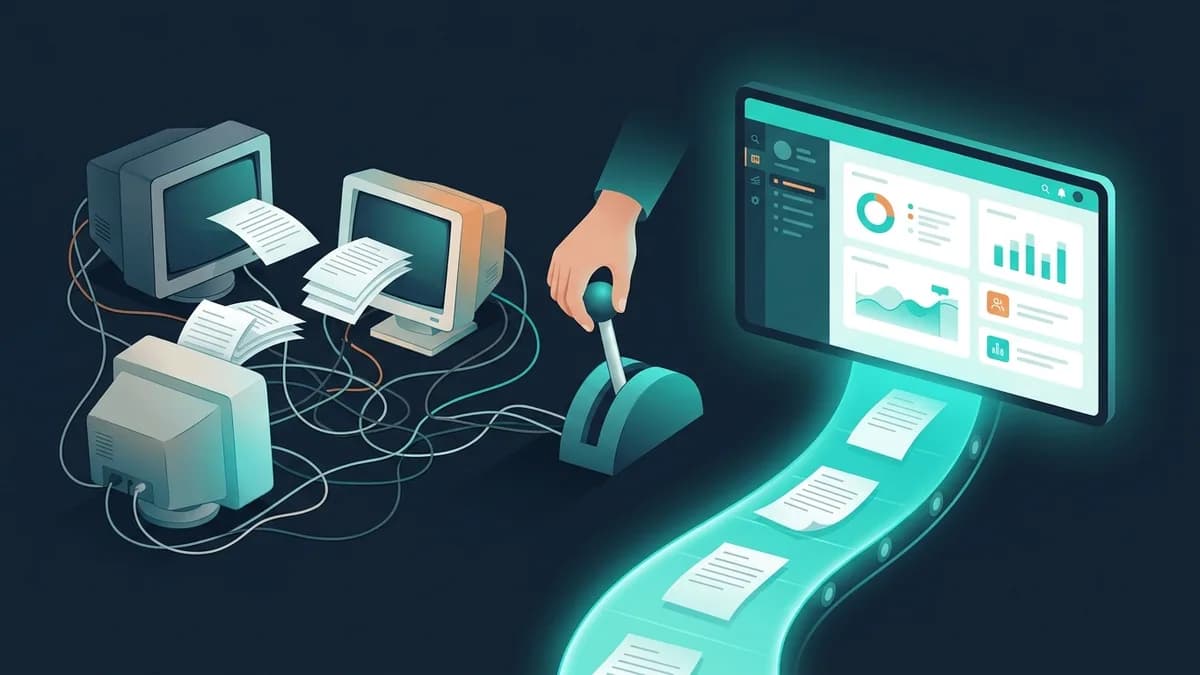
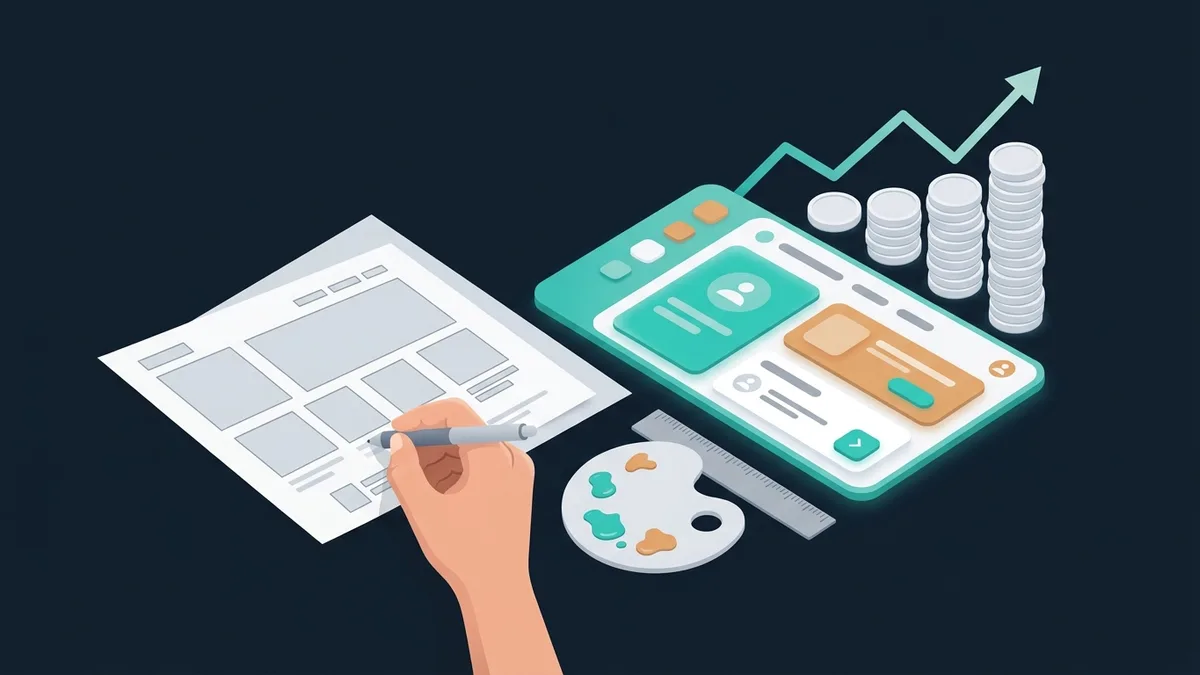

To many CEOs and CTOs, "UI/UX design" sounds like "make it look nice". But professional UI/UX design isn't about looks. It's about money: every dollar invested in UX returns $100 (according to Forrester Research). Conversion, average order value, retention, support costs: the quality of the interface drives all of them.
This article gives decision-makers the specifics: what UX and UI mean in plain words, how design affects business metrics, what it costs, what stages it involves, and how to tell whether you need a redesign.
UX vs UI: the difference in plain words
Two terms people mix up all the time. Let's settle it once and for all.
UX (user experience). This is how a person reaches their goal: finds a product, places an order, gets an answer to a question. UX answers the question "Is it easy for the user?" A UX designer works out the structure, navigation, interface logic and the sequence of screens.
UI (user interface). This is how each screen looks: colors, fonts, buttons, icons, animations. UI answers the question "Is it pleasant for the user?" A UI designer creates the visual style, the design system and the mockup of every screen.
An analogy: UX is the layout of a restaurant (where the tables stand, how the waiters move, how fast the food arrives). UI is the interior (the tablecloths, the lighting, the dishes). With a bad layout, guests wait, waiters bump into each other and the kitchen is too far away. With a bad interior, guests don't want to come in the first place. You need both.
Why both parts matter:
Good UX, bad UI: the product is easy to use but looks cheap. Users don't trust it, and conversion stays below its potential.
Good UI, bad UX: the product is beautiful, but users can't find the feature they need. High bounce rate, low retention.
Good UX plus good UI: the product is easy and pleasant to use. Users reach their goals quickly and enjoy it. Maximum conversion.
How UI/UX design affects business metrics
Conversion
Cutting checkout from 5 steps to 3 increases conversion by 20–35% (Baymard Institute). For an online store doing $300K a month, that's an extra $60K–105K in monthly revenue. A checkout redesign costs $7K–13K. It pays for itself in 1–2 weeks.
Retention
88% of users won't return to a website after a bad experience (Toptal research). For SaaS this is critical: acquiring a new user costs 5–7 times more than keeping an existing one. Good UX cuts churn by 15–25%.
Support costs
Every support request costs roughly $10–30 (agent time plus infrastructure). An intuitive interface cuts requests by 30–50%. For a company that handles 500 requests a month, that's $2,500–7,500 saved every month.
Average order value
Well-designed cross-sells and upsells in the interface raise the average order value by 10–20%. Not pushy selling, but a convenient offer of related products or services at the right moment. It's the difference between a "You'll also need..." pop-up (annoying) and a cart where the cable for your new TV is one click away (helpful).
Onboarding speed
In B2B products, bad UX makes onboarding a new user 3–5 times slower. Every hour of training is an hour the employee isn't creating value. For a company with 100+ users of the system, the difference adds up to tens of thousands of dollars a year.
The stages of UI/UX design
A professional UI/UX project goes through 6 stages. Skipping any of them is a compromise on quality.
Total timeline: 6–12 weeks. For an MVP it can be cut to 4–6 weeks by combining research with wireframes.
How much does UI/UX design cost?
What drives the cost:
The number of distinct screens is the main factor. A landing page: 3–5 screens. An online store: 15–30 screens. A SaaS product: 30–80 screens. A marketplace: 40–100+ screens.
The depth of research: interviews with 5 customers are one thing; 30 interviews plus analytics and a competitor review are another.
The level of the team: a freelancer is the cheapest option, a mid-level studio typically costs several times more, and a top studio several times more again. The difference lies in methodology, research and how predictable the result is.
Responsive design: a desktop-only design is one price. Desktop plus tablet plus mobile costs 1.5–2 times more.
Calculating ROI
Example: an online store redesign.
Current conversion: 1.2%. Traffic: 50,000 visitors a month. Average order value: $150. Revenue: $90K a month.
After the redesign (checkout UX optimization, better product pages, a proper mobile version): conversion is 1.8% (+50%). Revenue: $135K a month. Growth: +$45K a month.
Redesign cost: $18K. Payback: 12 days.
This isn't fantasy: a typical conversion lift after a professional UX audit and redesign is 30–60%.
5 signs you need a redesign
6 UI/UX design mistakes that cost money
1. Design for design's sake
Animations, parallax, non-standard controls: anything that says "wow" but slows the user down. Every second of load time cuts conversion by 7% (Akamai). Every non-standard element adds cognitive load. The rule: if a design decision doesn't improve a metric, it hurts.
2. Skipping research
"We already know our customers" is the most expensive phrase in UX. Without research, the designer works from assumptions. Five customer interviews for $1,700–2,700 save $7K–17K on rework.
3. One design for every device
Responsive design isn't "the same design, only narrower". Mobile UX is fundamentally different: other navigation patterns (the thumb zone), a different information density, different priorities (a phone number you can call with one tap). Responsive design done just to tick a box means lost mobile conversions.
4. Overloaded forms
Every extra form field cuts conversion by 7% (HubSpot). A 10-field form converts 3 times worse than a 3-field one. Ask only for what's critical for the next step. Everything else can come later, bit by bit.
5. Ignoring feedback
The design launches and gets forgotten. But UX is a process, not a result. You need Hotjar (heatmaps and session recordings), Google Analytics, A/B tests and funnel analysis. Without data, you don't know what works and what doesn't.
6. No design system
Without a design system, every new screen is designed from scratch. Buttons come in different sizes, spacing varies, behavior is unpredictable. A design system is an investment ($3,300–10,000) that saves 30–40% of design and development time on every new feature.
UI/UX for different types of products
Online store
Key areas: a catalog with filters (faceted search), the product page (photos, reviews, add to cart without a page reload), checkout (the minimum of steps, guest checkout). Mobile UX: a sticky "Buy" button, filters you can use with one hand, fast payment (Apple Pay, Google Pay).
SaaS product
Key areas: onboarding (the first 5 minutes decide whether the user stays), the dashboard (key metrics on the first screen), complex forms and tables (designing for power users). UX research matters most here: the product is complex and the users are varied.
B2B portal or customer account
Key areas: navigation (many sections and a role model: a manager sees one thing, an accountant another), document workflows (upload, sign, download without extra clicks), reports (filters, export, visualization). More about our design services: UI/UX design.
Mobile app
Key areas: navigation (tab bar vs hamburger menu: the tab bar wins in 90% of cases), the thumb zone (main actions in the bottom third of the screen), speed (skeleton loading, optimistic updates). Mobile app design costs 30–50% more than web design because each platform has its own guidelines (iOS HIG, Material Design).
How to work with a designer: a guide for CEOs
You're not a designer and don't need to be. But you are the client. Here's how to get the most out of your design investment:
Frame tasks in business metrics. Not "make it look nice", but "raise catalog conversion by 20%" or "cut checkout time from 5 minutes to 2".
Trust research, not taste. "I don't like green" isn't an argument. "A test with 100 users showed the green button converts 15% better" is. If you hire professionals, trust their methodology.
Give feedback on wireframes, not on finished mockups. Changing the structure at the wireframe stage takes 2 hours. At the finished-mockup stage, 2 days. Once it's coded, 2 weeks. Get involved early.
Approve the design system before full-scale design starts. The style of buttons, fonts, colors and icons gets approved once. After that, you only sign off on screens, with no "let's try another font".
FAQ
Freelancer or studio?
A freelancer is cheaper (often a fraction of a studio's price) and faster for small tasks, but there are no processes and no backup (if they get sick, the project stops), and quality is unpredictable. A studio costs more, but you get a methodology, research, several specialists and guarantees. The rule of thumb: for a landing page or a small redesign, hire a freelancer. For a product with 20+ screens, go with a studio.
How long does UI/UX design take?
Landing page: 1–2 weeks. MVP (10–20 screens): 4–6 weeks. Mid-size product (30–60 screens): 8–12 weeks. Large project (60+ screens): 12–20 weeks. 50% of the time goes to research and wireframes, 50% to visual design and testing.
Can you do without a designer?
For an MVP, more or less. Use ready-made UI kits (Tailwind UI, shadcn/ui, Ant Design) and templates. That gives you an acceptable result for testing a hypothesis. For a product with 1,000+ users, no. Every percentage point of conversion is worth money, and professional UI/UX design is what earns it.
What is a design system, and do I need one?
A design system is a set of reusable components (buttons, forms, cards, modal windows) with rules for using them. You need one if the product will keep growing (new screens and features), 2+ developers work on it, and a consistent interface matters. You don't need one for one-off landing pages and promo sites. Cost to build: $3,300–10,000. Development savings: 30–40% on every new feature.
How do you judge the quality of UI/UX design?
Five criteria: 1) it's based on research (not the designer's taste), 2) it solves a business problem (rather than showing off skill), 3) it's consistent (identical elements behave the same way), 4) it's been tested with real users, 5) it's easy to hand off to development (specs, components, asset export).
How are UI/UX design and SEO connected?
Directly. Search engines take user behavior into account: time on site, pages per visit, bounce rate. Good UX improves all three. Core Web Vitals (LCP, INP, CLS) are technical UX metrics that directly affect search rankings. On top of that, the structure of the interface shapes internal linking, an important SEO factor.
Do internal systems need UI/UX design?
Yes, and it often matters more there than in external products. An employee uses an internal system 8 hours a day. Every 5 seconds lost to an awkward interface gets multiplied by 100 operations a day × 200 working days × the number of employees. For a company with 50 CRM users, that's well over a thousand hours a year. Our UI/UX designers design both external and internal interfaces.