
When a client first runs into software development, the main question usually isn't "how much does it cost" but "how does building an app actually work, and what will I get at each step?" Understanding the stages isn't idle curiosity: the handoffs between them are exactly where projects lose time, budget and control. If you know what each stage should deliver, you can accept the work with confidence and never pay for thin air.
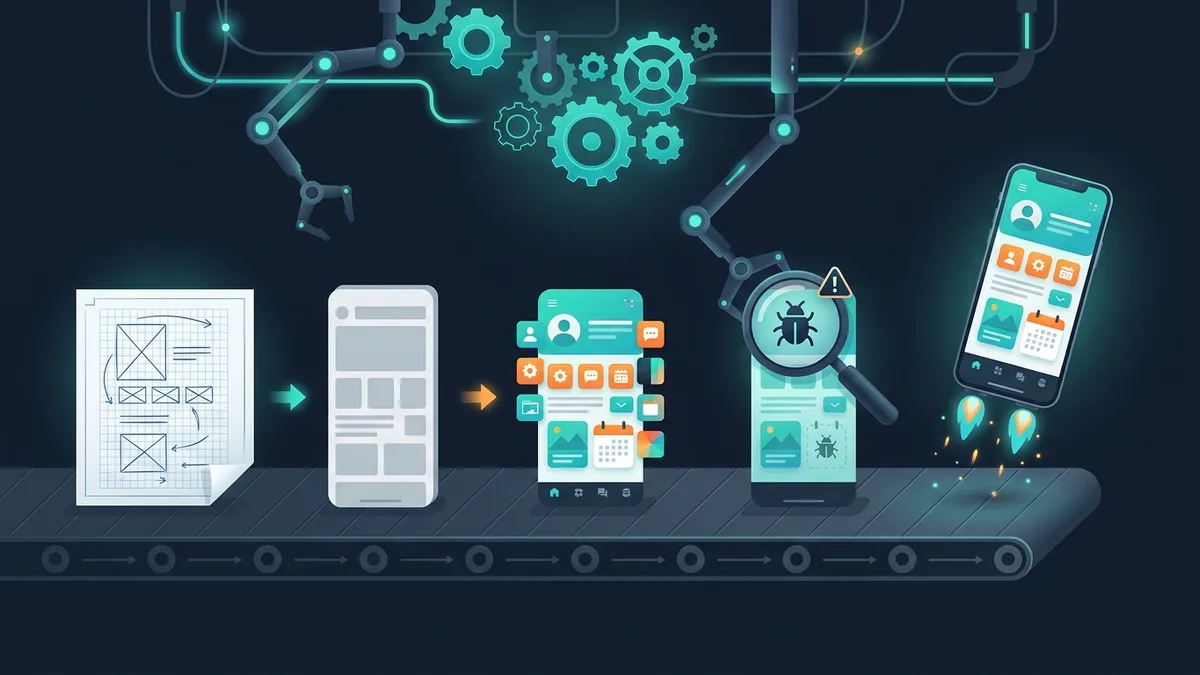
Let's walk through the stages of mobile app development in order: what happens, how long it takes, what you get in hand, and what to watch for as the client. It's a map of the process from the first meeting to the app stores and on to support. If you're just exploring the idea, start with our guide on how to create a mobile app and come back here for the details of the process.
Stage 1. Analysis and specification
What happens. The team breaks down your business problem: who the user is, what path they take, which features belong in the first version and which can wait. They describe scenarios, write requirements, sketch a screen map and capture it all in a specification.
How long it takes. From 3–5 days for an MVP to 2–3 weeks for a complex product.
What you get. A specification with a list of features and scenarios, a screen map, and an estimate of time and budget. This is the document the work will later be accepted against.
What to watch for. Don't agree to start without a written spec. A vague "make it like our competitor's" is the main cause of disputes and rework. We covered how to describe your project so you get an accurate estimate in our article on how to write an app specification. This stage looks like paperwork, but it's the one that saves the most money later in the project.
A useful analysis technique is to split features into "must have in the first version" and "later". The less you put in the first release, the faster you launch and the sooner you get real feedback from users instead of guesses. Looked at honestly, most "must-have" features turn out to be nice-to-haves, and they can easily wait for the second release.
Stage 2. UX/UI design
What happens. First comes UX, the logic and structure of the screens: where each button goes, what order the steps follow, how the user reaches the goal in as few taps as possible. Then the UI goes on top: the visual layer of colors, fonts, icons and brand style. The designer creates mockups of every screen in two or three states: empty, filled and error.
How long it takes. From 1 week for an MVP to 4–6 weeks for an app with dozens of screens.
What you get. Design mockups of every screen in Figma and a UI kit, a set of reusable elements that keeps the app consistent.
What to watch for. Check that the design actually works on a phone: buttons should sit within reach of the thumb, text should be readable on a small screen, and the key action should be easy to see. Keep in mind that iOS and Android follow different guidelines, the Human Interface Guidelines and Material Design: the same elements look and behave differently, and a good designer accounts for that. Approve mockups carefully: redoing a design is cheap, while reworking finished code to match a new design is expensive.
Stage 3. Prototype
What happens. The mockups are turned into a clickable prototype that lets you "walk through" a scenario as if it were the real app, tapping buttons and moving between screens. All without a single line of code.
How long it takes. 2–5 days, usually overlapping with the end of the design stage.
What you get. An interactive prototype that you and the team use to walk through the key scenarios: sign-up, the main action, payment.
What to watch for. This is the last cheap moment to change the logic. Go through the prototype as a real user would and catch everything that's awkward or illogical. Any change here takes minutes; on finished code it takes days and thousands of dollars. Don't skip this stage to save money.
Stage 4. Development in sprints
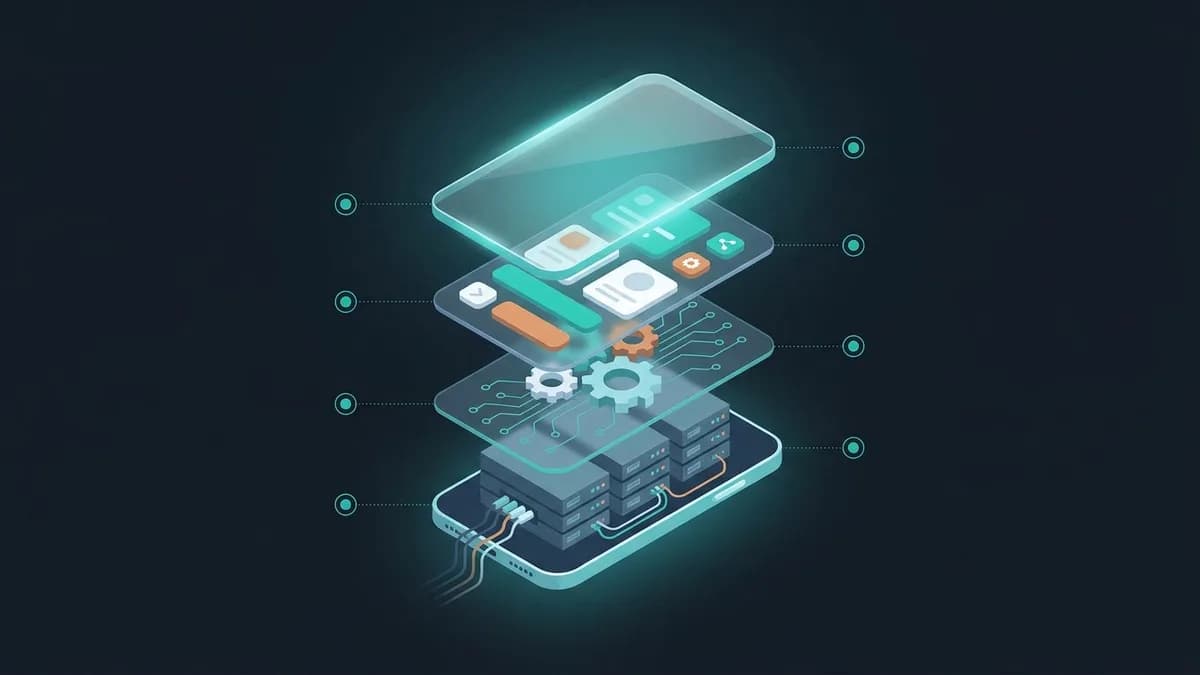
What happens. The team writes the code. The work runs in sprints, short cycles of 1–2 weeks, and at the end of each one you get a working build with new features. Two parts are built in parallel: the frontend, which is what the user sees on the screen, and the backend, which covers server logic, the database, authentication and payments.
How long it takes. This is the longest stage: from 2–3 weeks for an MVP to several months for a complex product.
What you get. A working app that you can install and try out after every sprint.
What to watch for. Insist on a demo at the end of every sprint: it's your main tool for staying in control. You see progress every two weeks instead of once "at the end", when it's too late to change anything. Ask about the tech stack up front: for most business tasks it's cross-platform Flutter or React Native, one codebase for iOS and Android that's cheaper and faster to maintain. If the app is launching as an MVP, development is built around a minimum viable product: the core first, the extras later.
This is also when the team builds in things you don't see on the screen but that are critical for the business: event analytics, push notifications, error handling and logging. Adding them later costs more than building them in from the start. Ask the team how the backend is set up and where user data is stored: if you have users in the EU, for example, data protection rules such as GDPR apply to how that data is stored and handled.
Stage 5. Testing and QA
What happens. Testers check the app on different phone models and OS versions: they look for bugs and test scenarios, load, behavior on a poor connection and unusual user actions. Defects go into a tracker, developers fix them, and testers check again.
How long it takes. It runs in parallel with development, plus a separate final cycle of 1–2 weeks before release.
What you get. A stable build with no critical or major bugs, ready for release, plus a test report. Before release, the app usually goes through a closed beta: the build is shared with a small group of real users through Apple's TestFlight or a closed testing track on Google Play. This catches problems you can't see in the office: behavior on low-end phones, on real networks, and with people who have different habits.
What to watch for. QA isn't an "extra" stage that's tempting to cut. A bug caught before release costs hours; the same bug found by a user in the store turns into a one-star review and lost users. Ask up front which devices the app will be tested on.
Stage 6. Publishing to the app stores
What happens. The finished app is uploaded to the App Store and Google Play, the store listing is prepared (icon, screenshots, a description with keywords), and the app goes through review.
How long it takes. Google Play: from a few hours to a couple of days. App Store: from 1 to 7 days, and Apple's review is stricter.
What you get. An app that people can download from the stores under your developer account.
What to watch for. Apple rejects releases for things that aren't obvious: no privacy policy, a test account that doesn't work, empty screens, features that simply duplicate a browser. Plan for 1–2 rounds of fixes after review feedback: that's normal. Register the developer accounts (Apple: $99 a year, Google: $25 one-time) in your company's name, not the contractor's, so the app stays yours.
Stage 7. Support and growth
What happens. After release the app lives on: new versions of iOS and Android come out and can break compatibility, reviews and ideas for improvements arrive, the load grows. The team updates the app, fixes new bugs and adds features based on analytics.
How long it takes. Ongoing, for as long as the app is live.
What you get. An up-to-date app that keeps pace with the OS and with competitors, and regular updates.
What to watch for. Agree on the support format before launch, not after. It usually runs at 10–20% of the project budget per year. Make sure the app has event analytics: without it you won't see which screen users drop off on, and you'll be improving the app blind. Remember the mandatory updates, too: Apple and Google change their requirements and raise the minimum SDK versions from time to time, and an app that nobody updates will at some point simply be shut out of the store.
A good practice is to collect feedback systematically: track ratings and reviews in the stores, reply to them, put improvement ideas in the backlog and prioritize them by their impact on your key metric. That way the app grows based on data, not on whoever asked the loudest.
How long the whole cycle takes
- MVP: analysis and design take about a week, development and testing 2–3 weeks. That's a launch in 3–4 weeks in total.
- Mid-size app: 1.5–3 months from the first meeting to release.
- Complex product with integrations: 4 months or more.
Timelines depend heavily on how fast approvals happen on your side. If one responsible person signs off on mockups and estimates, the project stays on schedule; if every decision waits for a meeting, development sits idle between stages. Budget time for your own part of the work, too: acceptance, feedback, providing content and access. It's part of the schedule, not background noise.
These stages aren't strictly linear: design, development and testing often overlap, and sprints let you adjust the product along the way. But the order and purpose of each stage stay the same, and they're what you use to keep the project under control.
Who works on the app
To understand what you're paying for, it helps to know who's on the team. A typical project involves a project manager, who keeps the schedule and stays in touch with you; an analyst, who gathers requirements and writes the spec; a UX/UI designer, who designs the screens; a mobile developer, who builds the app itself; a backend developer, who handles the server, the database and integrations; and a QA engineer, who hunts for bugs. On small projects people combine roles; on large ones these are separate people.
As the client, you don't need to talk to each of them: that's what the project manager is for, your single point of contact. But it matters that the team has someone who designs the logic and someone who tests. If the estimate has no analyst and no QA engineer, those stages will most likely be skimped on, and you'll pay for it with rework and bugs in production.
The bottom line
App development is predictable when it's broken into stages with a clear deliverable at each one. Analysis and the spec set the boundaries, design and the prototype catch mistakes before any code is written, sprints show progress every two weeks, QA protects your reputation, and support keeps the product alive. Your job as the client is to accept the work based on the result of each stage, not to wait for "the finale".
Want a plan for your project broken down by stage, timeline and budget? Tell us about your idea, and we'll propose a mobile app development roadmap with a transparent estimate.